Starwit Awareness Engine – Overview
Computer vision is still an area of great innovation and many yet unexplored applications. So bundling necessary components to run an image stream analyzing engine is still very handy. To address this need, we build Starwit’s Awareness Engine (SAE) as an open source project. It is a engine that combines the following features:
- image/video capturing
- object detection
- object tracking
- geo-mapping
- aggregating statistics
- storing object trajectories in a time series database
In essence a live video stream is put in one end and coordinates of tracked objects with time stamps will end up in a data base on the other end. SAE has been used in a number of use cases and the following data can be extracted:
- Counts of objects present in an area
- Counts of objects crossing lines/sections
- Speed/Size of objects
- Tracking object Ids via multiple cameras
- Coordinates of objects in geo- / pixel-coordinates
Use Cases
Awareness Engine is a tool box, that can be used to bring computer vision capabilities into business applications.
- Parking Space Management
- Logistic surveillance of boxes / containers
- Detecting/Tracking Waste
- People density
- Detect traffic events & incidents
Architecture & Functions
SAE is following a micro-service architecture in which all components are supposed to work without knowledge of other modules. All components are connected to a central communication bus ( valkey). Following picture shows an architecture overview.
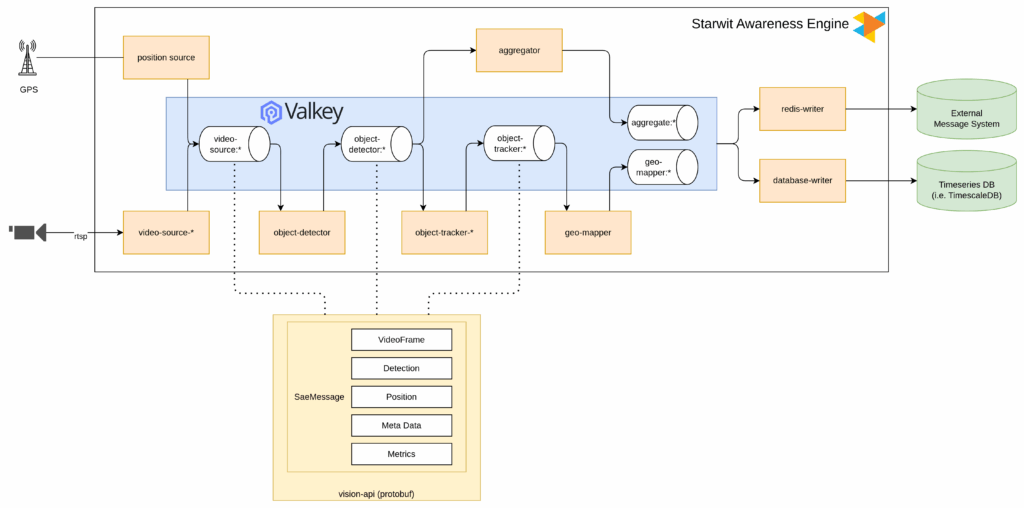
This setup can run on embedded systems as Linux packages or in on-prem / cloud scenarios using Kubernetes. Out of the box SAE can detect & track all objects in the COCO catalog (e.g. humans, cars, bicycles). It is using Ultralytics library to detect objects and Deep-OC-Sort from Mikel Brostrom to track objects. SAE however can run your custom model and the Starwit is happy to support you in training a model fitting your need.
SAE Tools
To see what is happening inside a running Awareness Engine, SAE comes with a set of command-line tools. They let you watch, record, play back and inspect the messages flowing through SAE's Valkey streams – ideal for setting up cameras, debugging a pipeline or developing new modules with recorded real-world data.
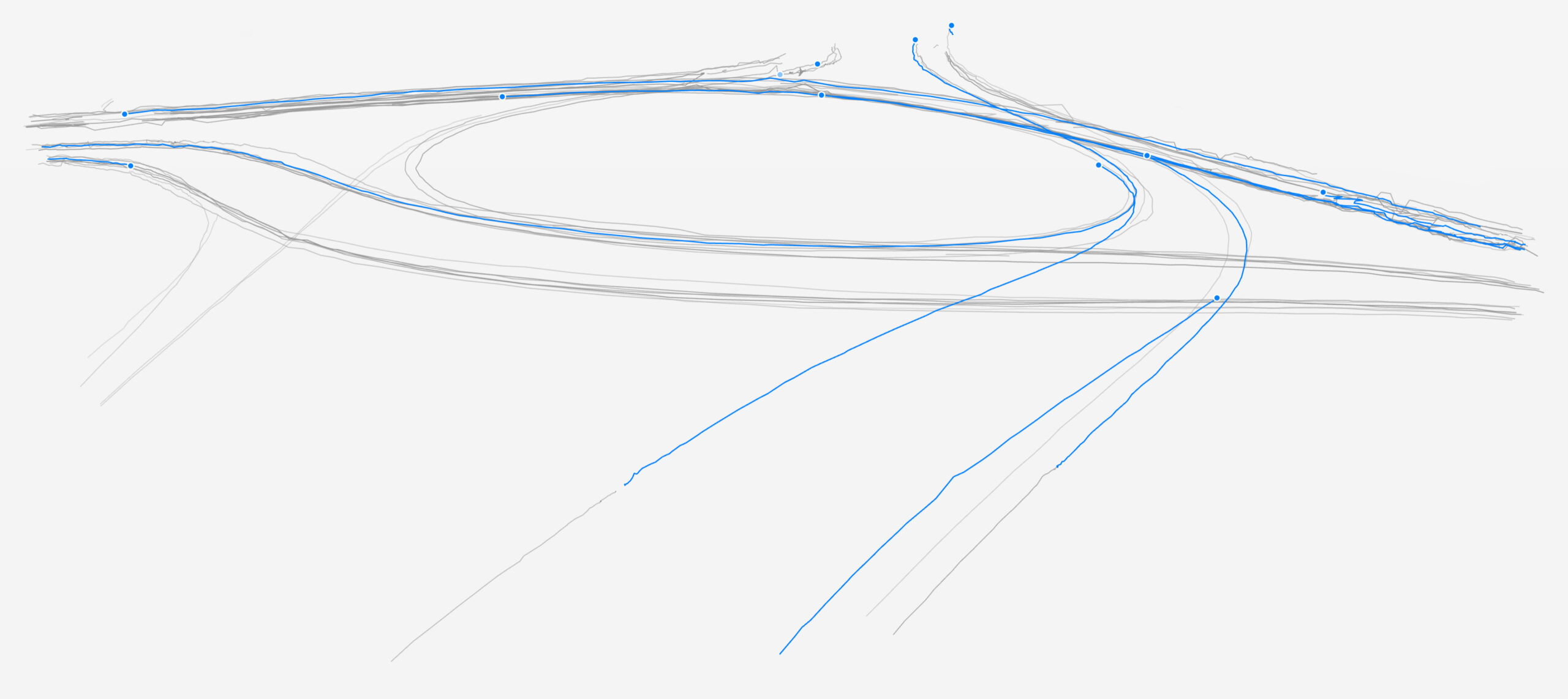
sae-watchrenders a stream's frames with annotations in a window or to stdout.sae-recordrecords one or more streams into a.saedumpfile.sae-playplays a.saedumpfile back into a pipeline.sae-echoechoes messages to stdout as JSON.sae-plotplots object trajectories from a.saedumpfile onto an image.
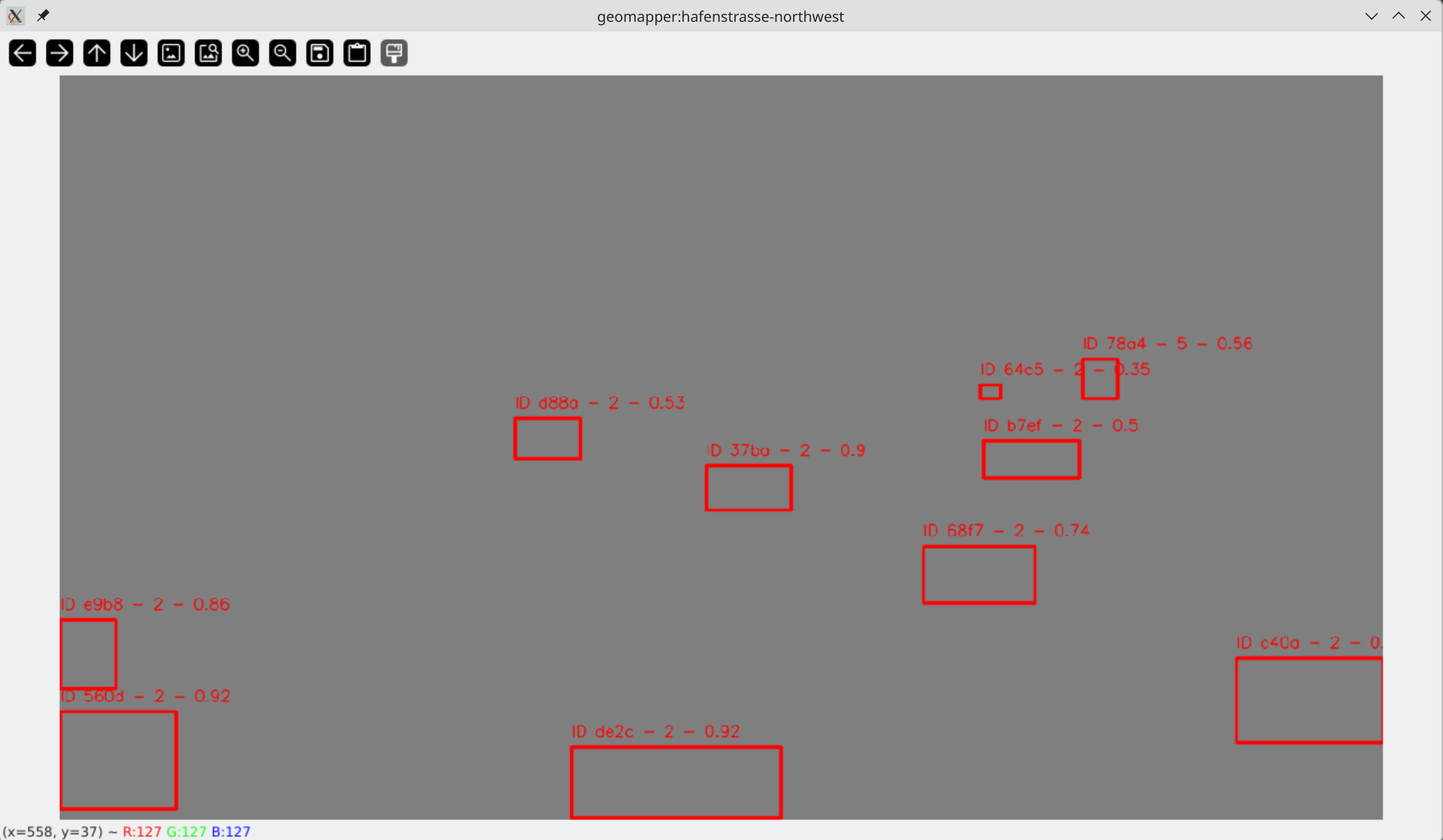
sae-watch following a live stream: tracked objects appear as labelled boxes, while
the
terminal reports end-to-end delay, detection and tracking time per frame.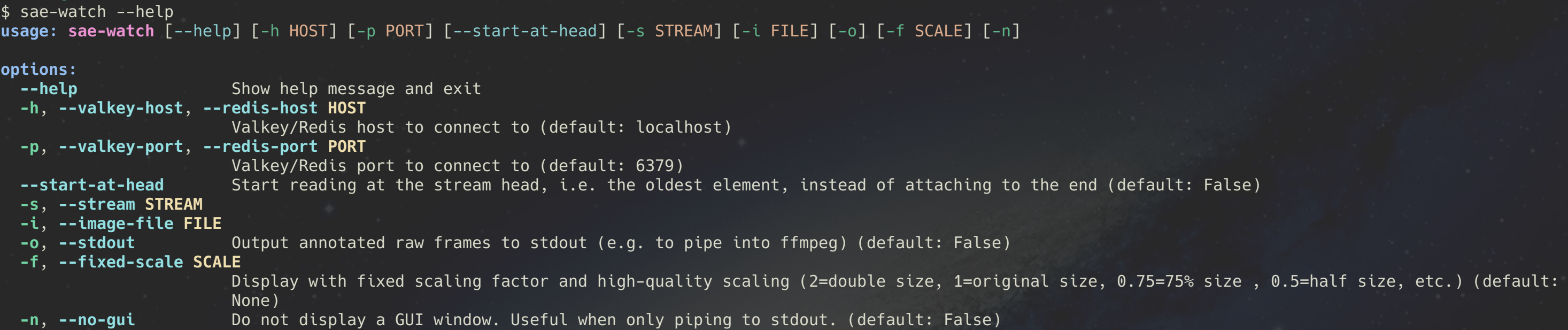
sae-watch options: pick a stream, scale the view, or pipe annotated frames to ffmpeg
without
a window.
sae-play options: replay a recording once or in a loop, with original or adjusted
timestamps.
Install all tools with pipx (Python 3.11 or newer and
libturbojpeg
required):
pipx install git+https://github.com/starwit/sae-introspection.gitThe tools are open source under the AGPL-3.0 license. Source code and documentation are on GitHub.
Videos
See the Awareness Engine at work on our YouTube channel:
- Starwit Awareness Engine – geo-referencing demo: every object detected and tracked in a street camera gets geo coordinates (read the update).
- Tracking objects with multiple cameras: the same object seen by several cameras is recognized as one (read the update).
Research & Academic Projects
Awareness engine has already been used in a number of research projects. Many students were able to skip time-consuming work to connect to cameras or place objects on a map. Instead they could focus on topics like detecting anomalies or track objects via multiple cameras. If you are a researcher, lecturer or student please use contact form below, to enter the fascinating world of computer vision!
Contact & Questions
You want to know more? You have a question? Great, we would like to hear from you!